
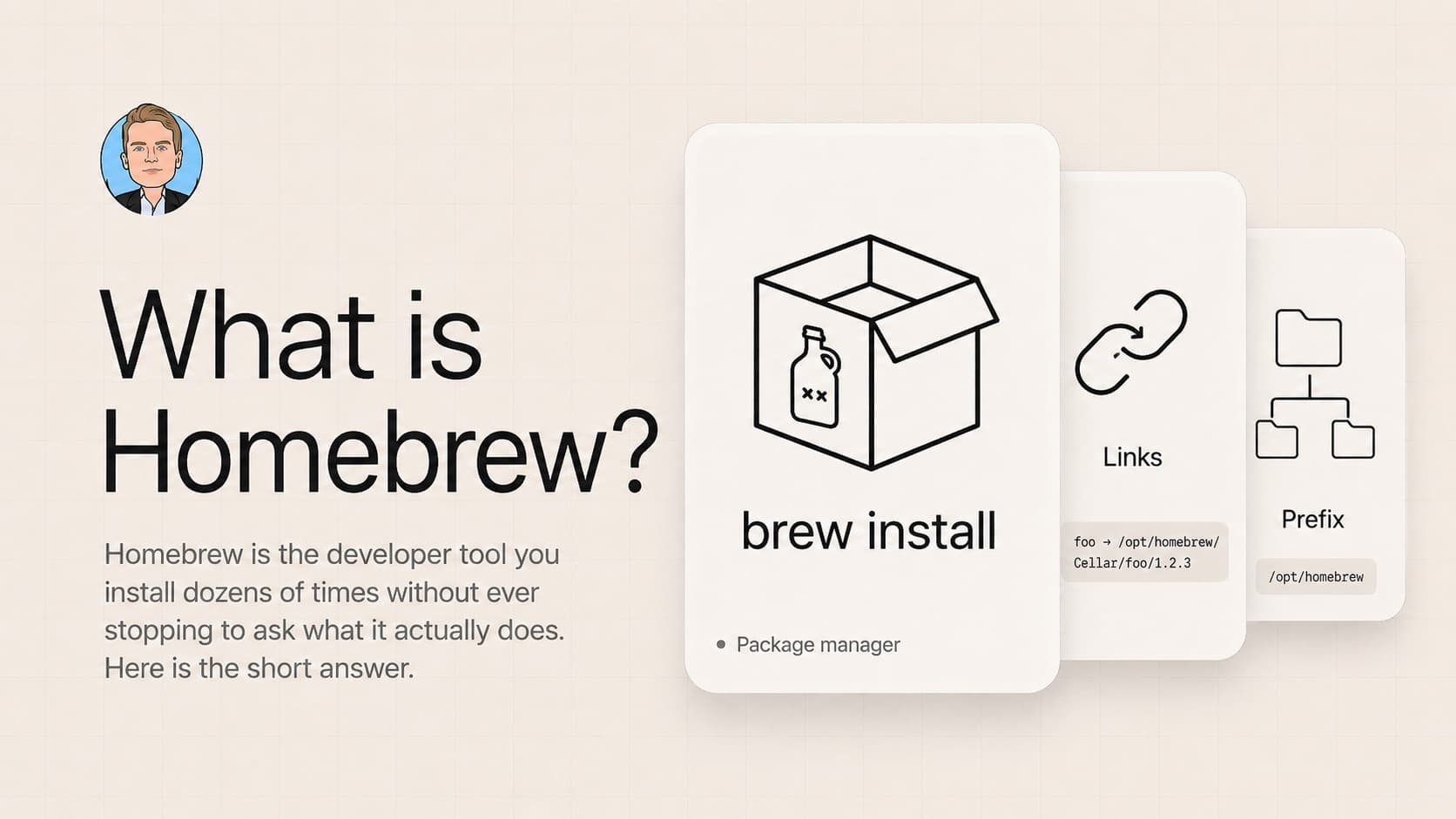
What is Homebrew?
Homebrew is the developer tool you install dozens of times without ever stopping to ask what it actually does. Here is the short answer.
I am setting up a fresh Mac. Every couple of years I wipe everything and start over. As a developer you install a bunch of tools you stop using, and a clean install is the easiest way to reset.
Installing the basics, node and postgres and the usual stuff, meant installing Homebrew first. Like I have done a dozen times before. This time I stopped and asked a question I had never actually answered. What is Homebrew?
TL;DR
Homebrew is a package manager for macOS. It installs developer tools for you. No website to visit, no installer to download, no wizard to click through. You type one command and brew handles the rest.
brew install postgresqlThat is the whole product.
How it actually works
Six moving parts.
Formulas. A formula is a small Ruby script that describes how to install one piece of software. Where to download it, what dependencies it needs, where to put the files.
There is a giant repository of these scripts called homebrew-core. When you run brew install postgresql, brew reads the postgres formula and follows its instructions.
Bottles. Software ships as source code. To run it, your computer needs a compiled binary, and compiling big software can take a long time.
A bottle is brew's word for "we already compiled it for you." The team builds bottles on their servers, everyone downloads the finished binary. That is why brew install node takes seconds and not an hour.
The prefix. Brew installs everything under one folder, called the prefix. On Apple Silicon Macs that folder is /opt/homebrew. On Intel Macs it is /usr/local.
Brew never touches Apple-managed folders like /usr/bin. More on why that matters in the next section.
The Cellar and symlinks. Inside the prefix, brew keeps a folder called the Cellar where the actual installed versions live:
/opt/homebrew/Cellar/node/22.0.0/
/opt/homebrew/Cellar/postgresql/16.2/
Then /opt/homebrew/bin/node is a symlink pointing to the current version. To uninstall, brew deletes the folder in the Cellar and removes the symlink. Nothing scattered, nothing left behind.
Casks. Brew installs two kinds of things. Formulas are command-line tools like node, git, and postgres. Casks are Mac GUI apps that come as a .app bundle: Chrome, Slack, VSCode.
brew install --cask google-chromeThat command downloads Chrome and drops the .app in /Applications. You never visit chrome.com.
Taps. Think of homebrew-core as the default formula repository. A tap is a third-party repository you can plug into brew. If a tool's docs say brew tap user/repo first, that is what they are doing. You rarely need this.
Why the prefix matters
Three reasons the prefix is the most important design decision in brew.
Clean uninstalls. Everything brew installs lives in /opt/homebrew. Want to nuke brew entirely from your machine? Delete that folder. Done.
Compare to traditional installers that scatter files across /usr/local, /etc, ~/Library, and other places you cannot easily find.
No sudo. Because the prefix is owned by your user, you never type your password to install something. apt install on Linux asks for sudo every time. Brew does not.
It never fights macOS. Apple protects its own folders with System Integrity Protection. Brew puts everything in its own folder, so macOS updates never break brew, and brew never breaks macOS.
That is the magic. One folder, fully owned by you, isolated from the system.
Use Homebrew for
The tools that fit brew perfectly:
- CLI utilities.
git,gh,ripgrep,fzf,jq,wget,htop,tree. Things you install once and rarely think about. - Build tools.
cmake,make,gcc,pkg-config. The kind of thing other software needs in order to compile. - Single-purpose tools you never need to version-switch.
ffmpeg,imagemagick,pandoc,awscli,gcloud. Install and forget. - Fonts. Fira Code, JetBrains Mono, and friends are available as casks. They never auto-update themselves, so brew can manage them cleanly.
Do not use Homebrew for
The places where brew is the wrong tool.
Languages where you need to switch versions. Do not use brew for Node, Python, or Ruby. I use nvm for Node, because real projects pin to specific versions and I often switch between a Node 18 project and a Node 22 project the same day.
Brew gives you one global version per package, and switching is painful. Use nvm, fnm, or volta for Node, pyenv or uv for Python, rbenv for Ruby. They were built for exactly this problem.
Databases for development across multiple projects. Same logic as languages. Brew gives you one global Postgres, one global MySQL. If project A needs Postgres 14 and project B needs Postgres 16, you cannot run both without pain.
Use Docker or docker-compose instead. Each project pins its database version in a config file, and you get production parity as a bonus, since your production database probably runs in a container too.
Apps with strong built-in updaters. If you brew install --cask visual-studio-code, VSCode's auto-updater inside the app fights brew's update mechanism.
The app updates itself, brew thinks it is stale, you run brew upgrade and it reinstalls the same version. Let those apps manage themselves.
Anything that needs an exact pinned version for your team's reproducibility. Brew updates patch versions when you run brew upgrade. If you need a deterministic install, reach for a tool built for that.
Closing
Next time you set up a Mac and type brew install for the hundredth time, you will know what just happened.
A Ruby script told brew where to download a pre-compiled binary. Brew dropped it in /opt/homebrew/Cellar, made a symlink so your shell can find it, and never asked for your password.
That is Homebrew.
Liked this? Get the next one in your inbox.
One email every other Tuesday. Engineering, product, and what I'm shipping. Unsubscribe anytime.